TempFolder - Effortless Temporary File Management for macOS
TempFolder helps you create self-destructing storage spaces, keeping your Mac tidy and your workflow focused. Say goodbye to cluttered "Downloads" and "Desktop" folders!
Stop Drowning in Temporary Files
Do you often download files for one-time use? Create temporary project folders? End up with a desktop that looks like a digital junkyard? TempFolder is designed for you.
Cluttered Systems
Temporary files accumulate, slowing down your Mac and making it harder to find what you need.
Wasted Time
Manually cleaning up temporary files is tedious and often forgotten, leading to digital disorganization.
Lost Focus
A messy digital workspace can be distracting, pulling you away from your important tasks.
Powerful Features, Simple Interface
TempFolder provides all the tools you need for smart temporary file management.
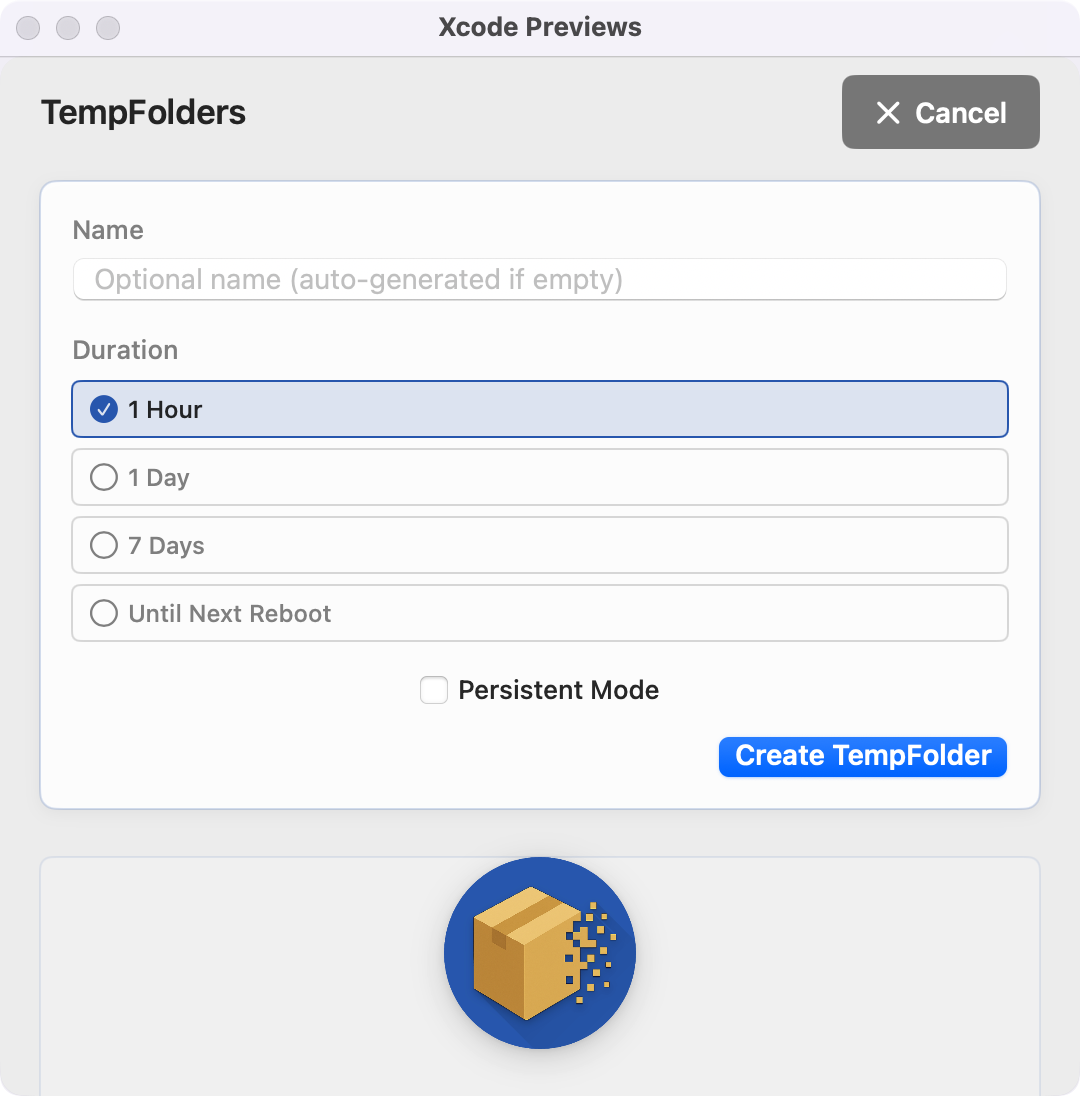
Create Temporary "Folders" (or "Boxes")
Quickly create isolated folders (TempFolders) for your temporary files. Name them, choose a duration, and you're set.
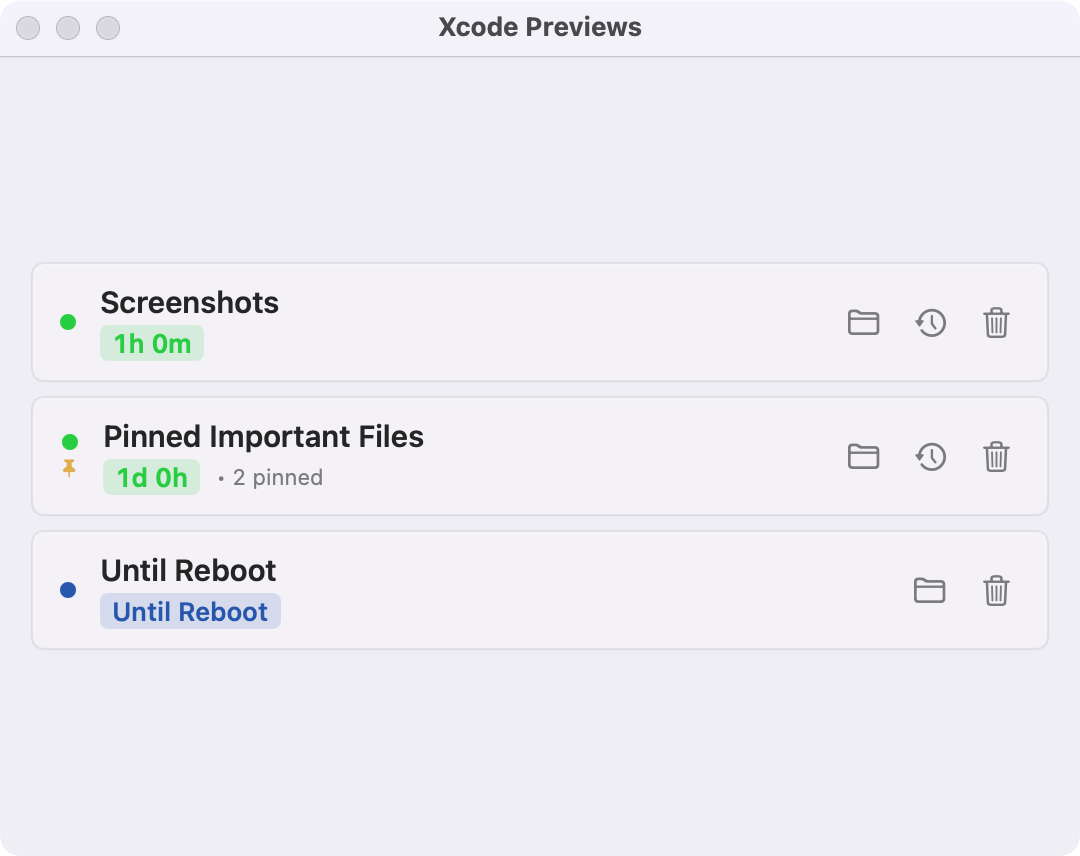
Automatic Expiration
Set folders to expire after a specific time (e.g., 1 hour, 1 day, 7 days) or until the next reboot. TempFolder handles the cleanup automatically.
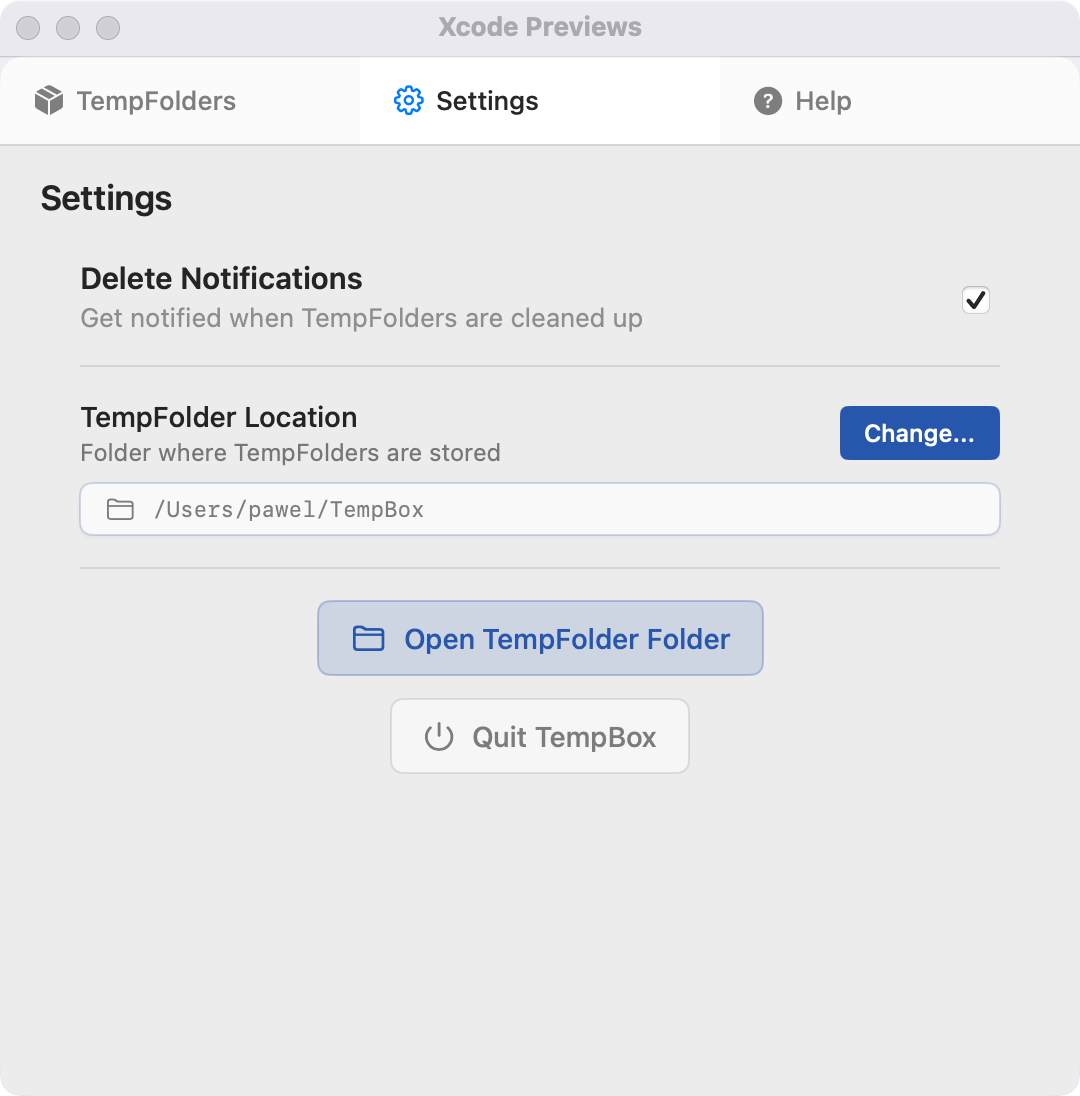
Pin Important Items
Need to keep specific files within a TempFolder safe from auto-deletion? Simply pin them.
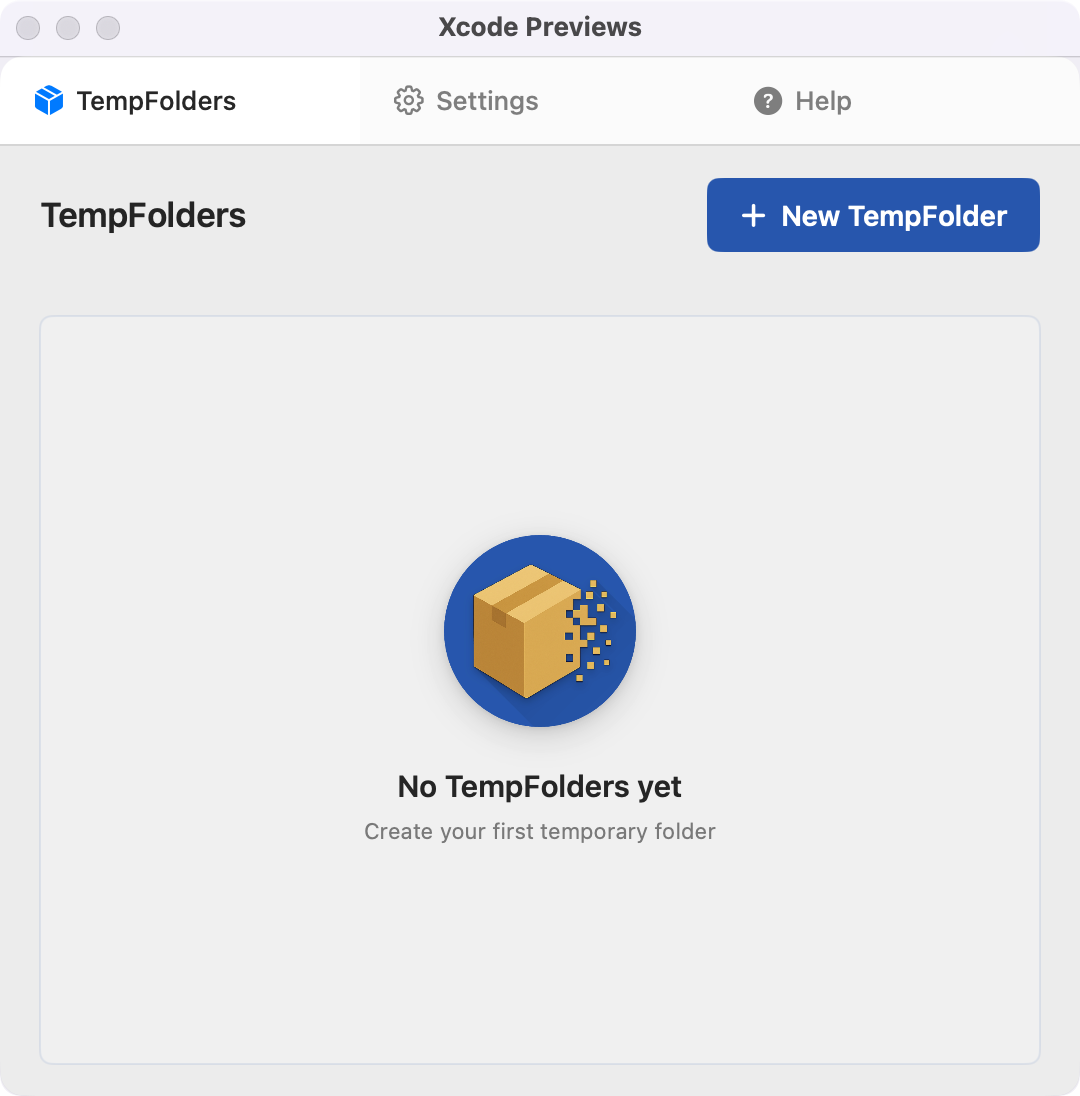
Menu Bar & CLI Access
Manage your TempFolders directly from the macOS menu bar for quick access, or use the command-line tool for scripting and automation.
Reclaim Your Mac and Your Focus
TempFolder isn't just about deleting files; it's about creating a better, more organized digital environment.
Stay Organized
Keep your main folders clean by isolating temporary items.
Save Disk Space
Automatic cleanup prevents forgotten files from hogging storage.
Boost Productivity
Less clutter means less distraction and a smoother workflow.
Peace of Mind
Know that temporary items will be handled without manual effort.
Simple to Use
Create a Box
Define a name and expiration for your temporary storage.
Use It
Drop files, work on projects, download items into your TempFolder.
It's Gone!
TempFolder automatically clears or deletes the folder when its time is up.
Ready to Tame Your Temporary Files?
Download TempFolder today and experience a cleaner, more organized Mac.
Download TempFolder for macOS(Compatible with macOS 13.0 and later)