SpectraColor — Every Color at Your Fingertips
Pick any on-screen color with a keyboard shortcut. Check accessibility, simulate color blindness, extract gradients, and generate palettes — all from one beautiful native Mac app.
Color Work Shouldn't Be This Hard
Designers and developers deal with color every day, but the built-in tools aren't enough. SpectraColor fills the gap.
Picking Colors Is Tedious
Switching to a browser color picker or taking screenshots just to grab a hex code breaks your flow.
Accessibility Is an Afterthought
Checking WCAG contrast ratios means visiting external tools, copying values back and forth, and hoping you got it right.
Palette Workflows Are Fragmented
Building a color palette means juggling multiple websites and apps. There's no single tool that does it all natively on Mac.
Everything You Need for Color
Six professional tools in one lightweight menu bar app. Native macOS. Instant access.
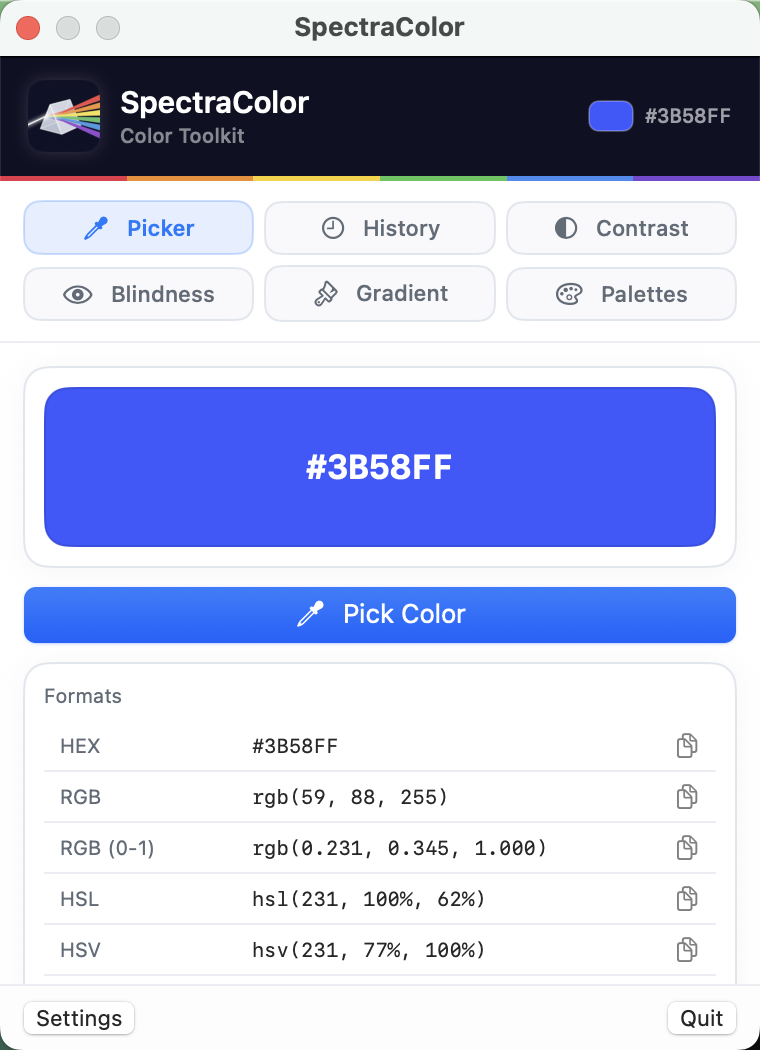
Instant Color Picker
Press a global keyboard shortcut and click anywhere on screen. SpectraColor captures the exact color in Hex, RGB, HSL, and HSV — ready to paste. Works across all apps and displays, including external monitors.
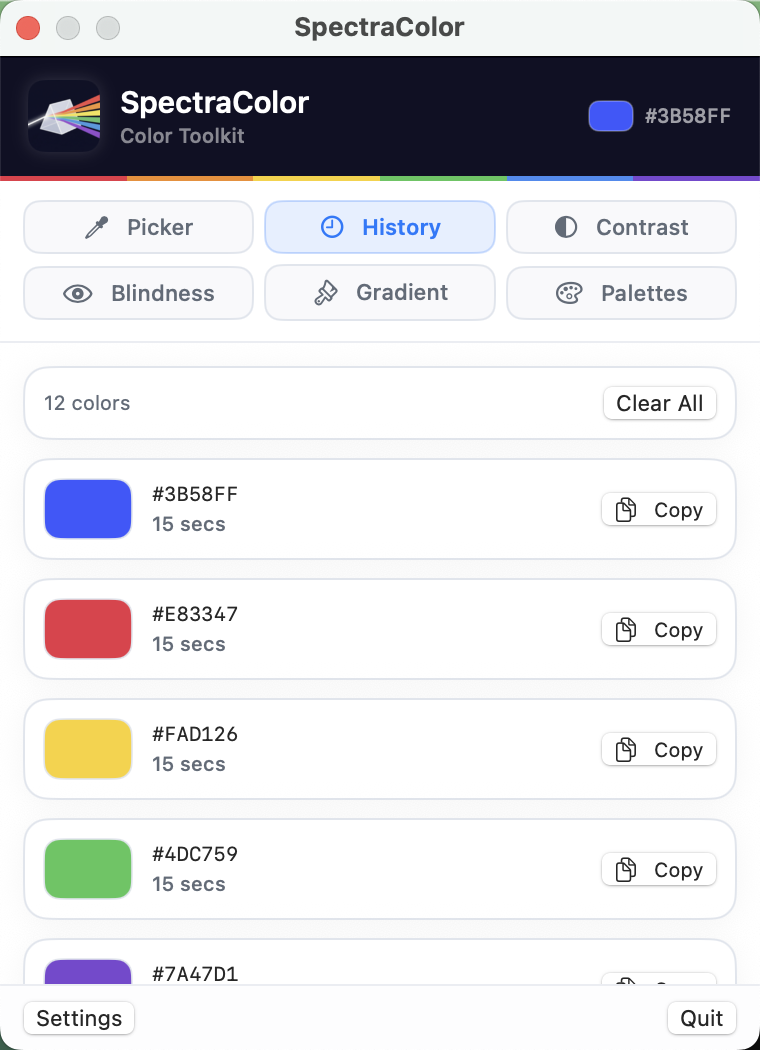
Searchable Color History
Every color you pick is automatically saved with a timestamp. Search by hex value, filter by date, and organize your collection. Never lose a shade again — your full color history is always one click away.
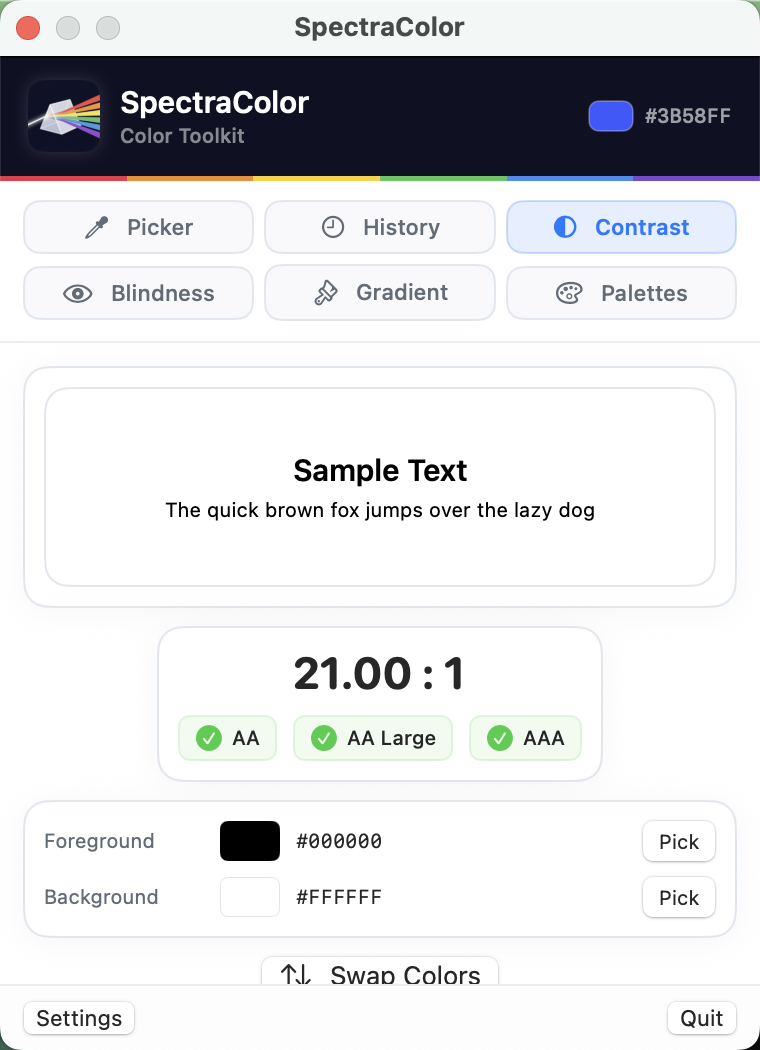
WCAG Contrast Checker
Select any two colors and instantly see their contrast ratio. SpectraColor shows pass/fail for WCAG AA and AAA standards at both normal and large text sizes. Make accessible design decisions in real time.
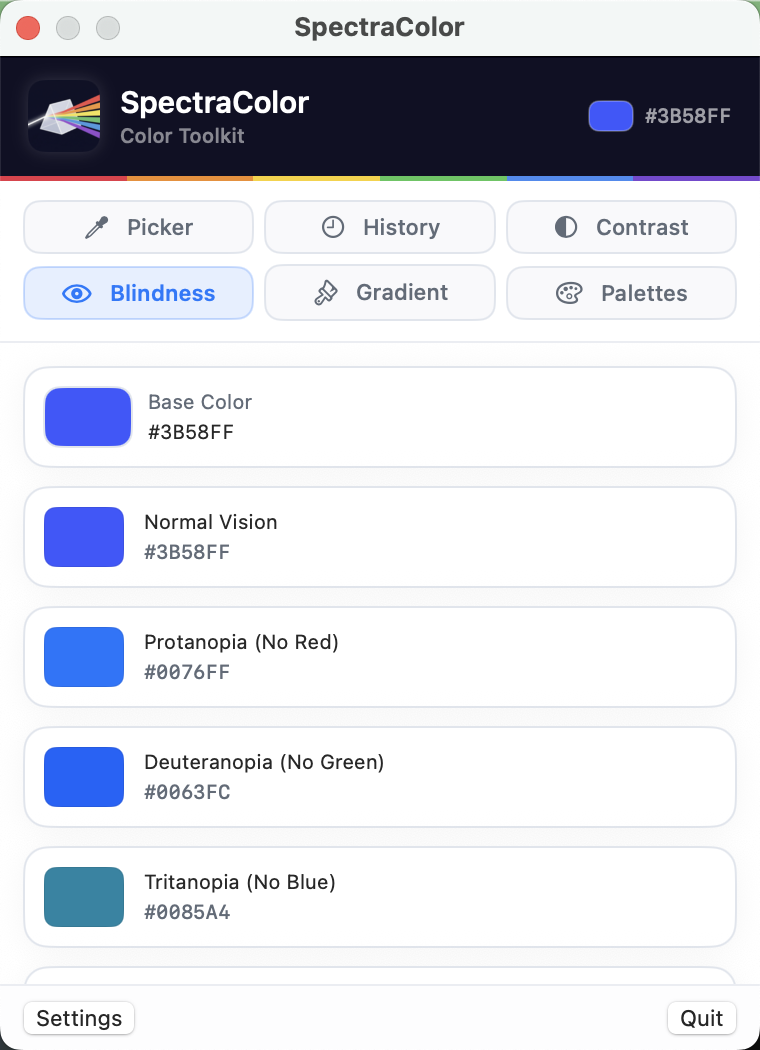
Color Blindness Simulation
Preview your designs through eight different color vision deficiency types — protanopia, deuteranopia, tritanopia, and more. See exactly how your color choices appear to every user before you ship.
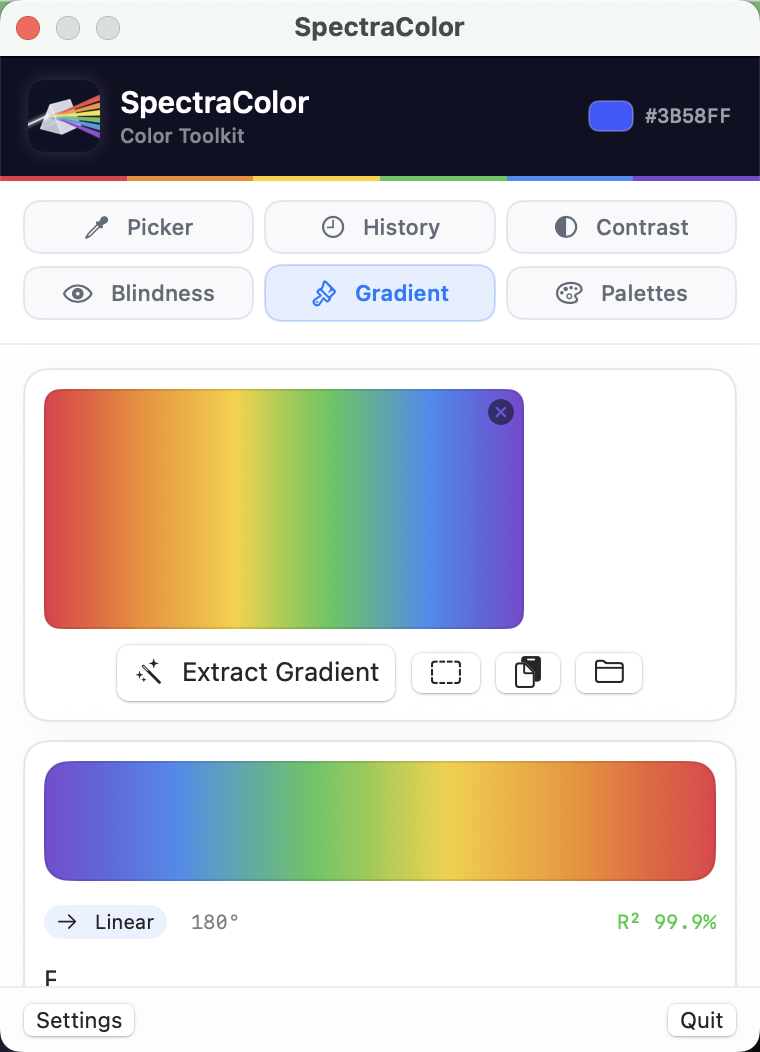
Gradient Extraction
Drop any image into SpectraColor and it automatically extracts the gradient color stops. Perfect for reverse-engineering brand palettes, matching existing designs, or finding inspiration in photos.
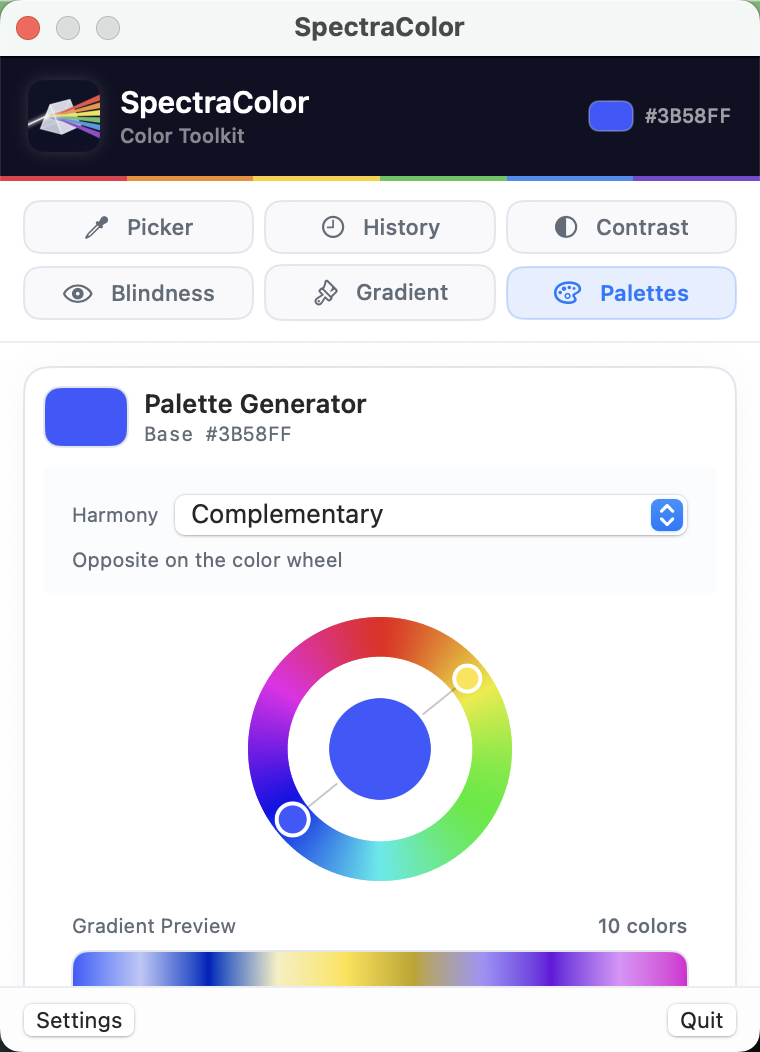
Palette Generator
Generate harmonious color palettes from any starting color. Choose from complementary, analogous, triadic, split-complementary, and more. Export palettes in any format for your design tools.
Why Designers and Developers Choose SpectraColor
Built to fit seamlessly into your workflow.
One Shortcut, Any Color
Pick colors from anywhere on screen without leaving your current app. Global keyboard shortcut works instantly.
Accessibility Built In
WCAG contrast checking and color blindness simulation mean you can design for everyone without switching tools.
Native & Lightweight
Built with SwiftUI for macOS. Lives in your menu bar. Uses minimal resources and launches instantly.
All Formats, Instantly
Hex, RGB, HSL, HSV — every color format is one click away. Copy to clipboard and paste into your code or design tool.
Get Started in Seconds
Install from the App Store
Download SpectraColor and it lives in your menu bar, ready when you need it.
Pick a Color
Press your keyboard shortcut and click anywhere on screen. The color is captured instantly.
Check, Generate, Export
Verify contrast, simulate vision types, generate palettes, and copy values — all from one place.
Ready to Master Color on Mac?
Download SpectraColor free. Unlock all features with a one-time Pro purchase.
Download SpectraColor(Compatible with macOS 14.0 Sonoma and later)